
Popular topics

Popular topics

Install the WEEX App on Huawei HarmonyOS 5.0
By: WEEX
|
0
This guide will help Huawei HarmonyOS 5.0 users download and install the WEEX app. Make sure your device is running HarmonyOS 5.0 before following the instructions below.
Always download the WEEX app from the official WEEX download page. Don't install APK files from unknown sources, as this may put your account or assets at risk.
I. Download and install the Zhuoyitong app
- Open AppGallery on your Huawei device.
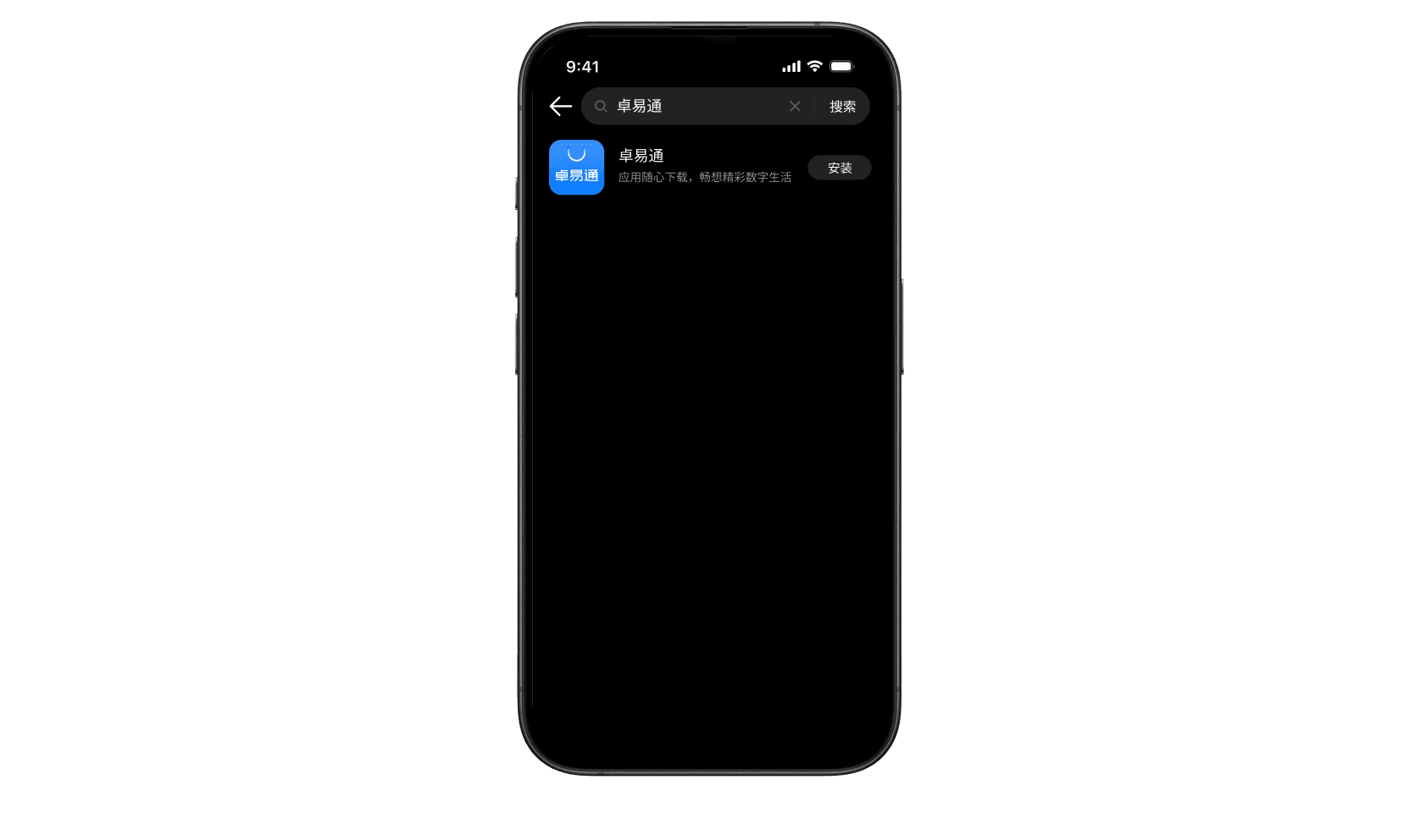
- Search for Zhuoyitong.
- Install the Zhuoyitong app.
II. Download the WEEX app
- Open the official WEEX download page from your phone browser.
- In the Android section, tap "Download APK Android."

- Wait for the APK file to finish downloading.
III. Install the WEEX app
- Once the APK file has finished downloading, tap the download notification to open it. You can also find the APK in your browser's download history.
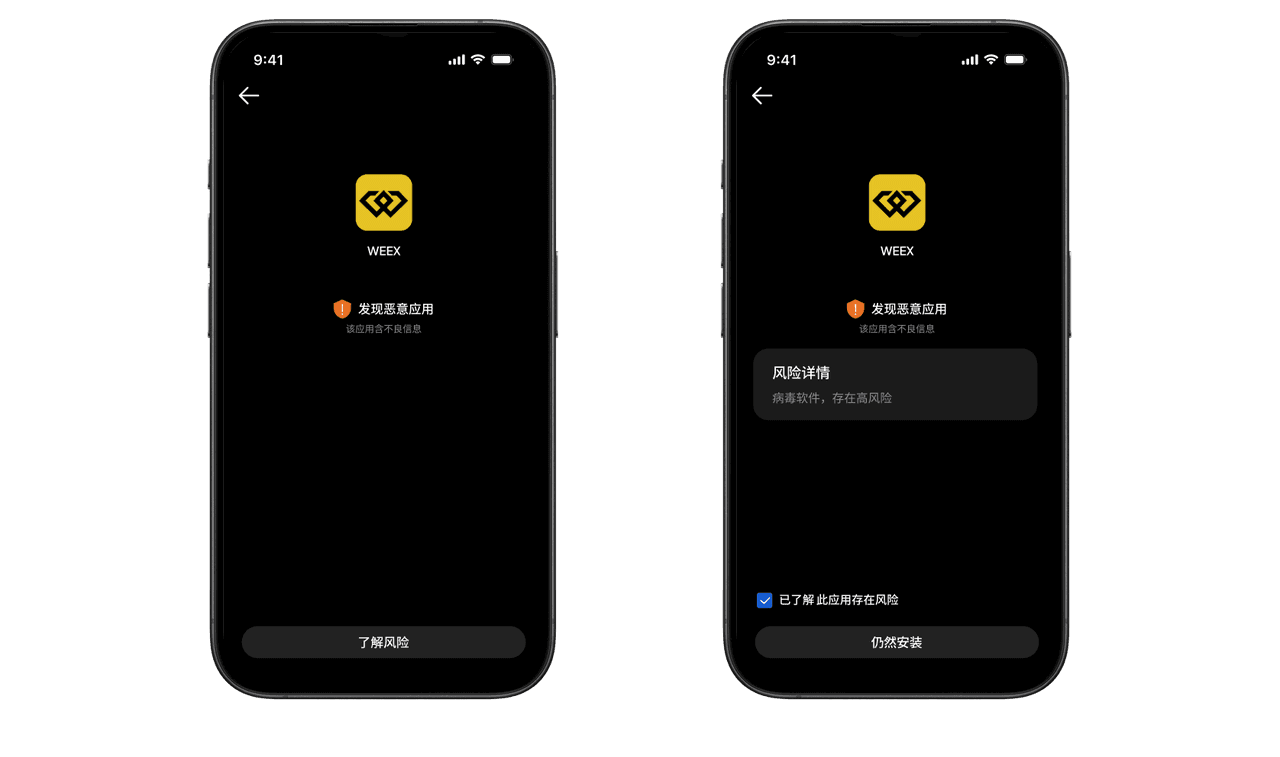
- Turn off Wi-Fi and cellular data, then open the APK. Tap "Understand the risks" > "I understand the risks associated with this app" > "Install anyway," and wait for the installation to finish.
- Once installed, open the WEEX app from your home screen.
Related articles
Share
Gainers


Customer Support:@weikecs
Business Cooperation:@weikecs
Quant Trading & MM:bd@weex.com
VIP Program:support@weex.com
